

-3%New

KSh 95,000.00 – KSh 105,000.00Price range: KSh 95,000.00 through KSh 105,000.00
Payment Methods:

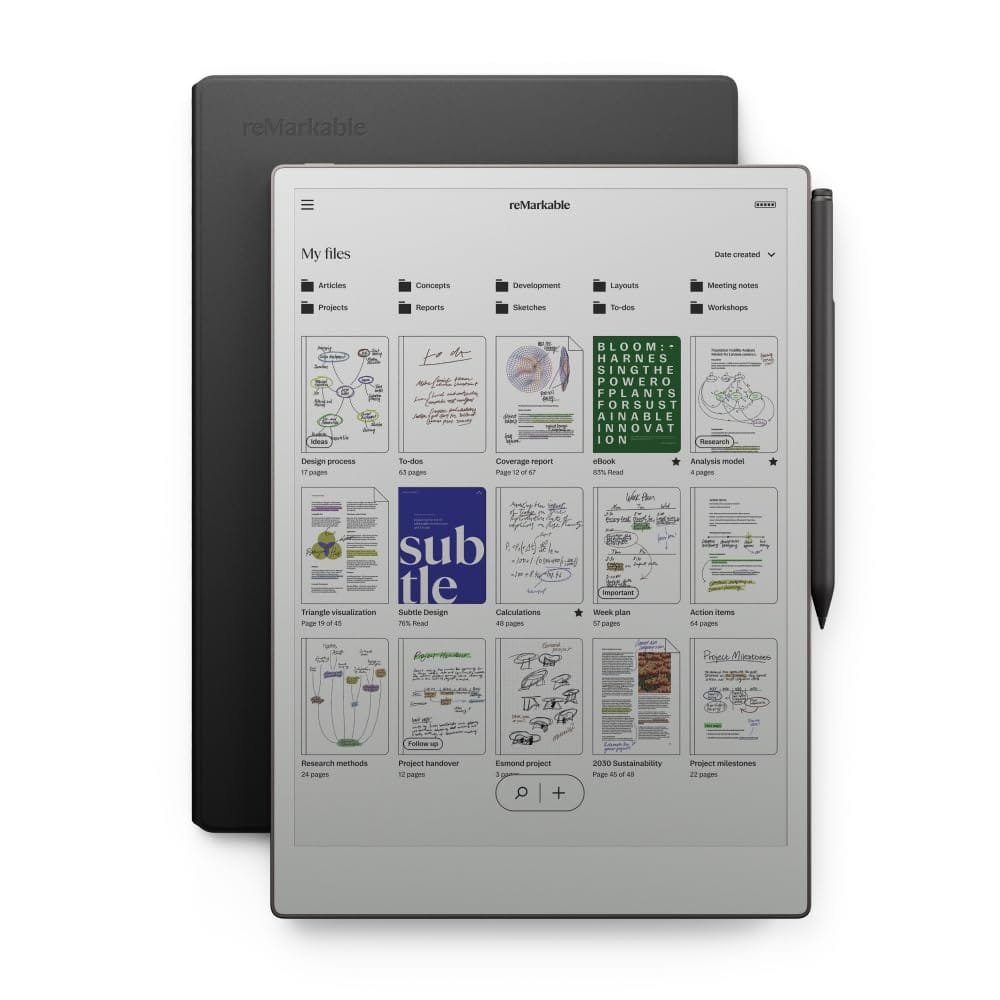
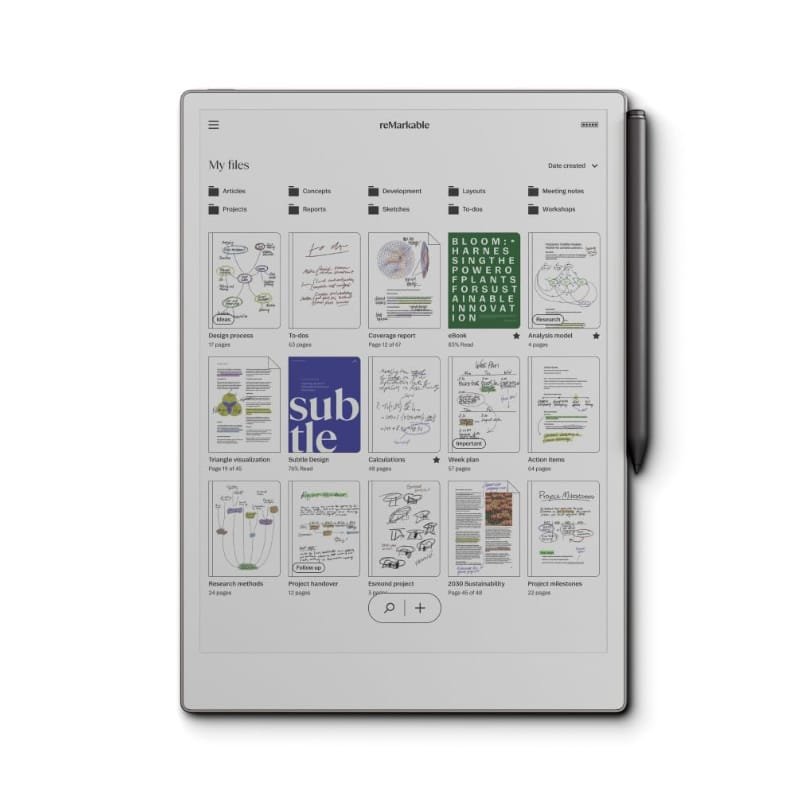
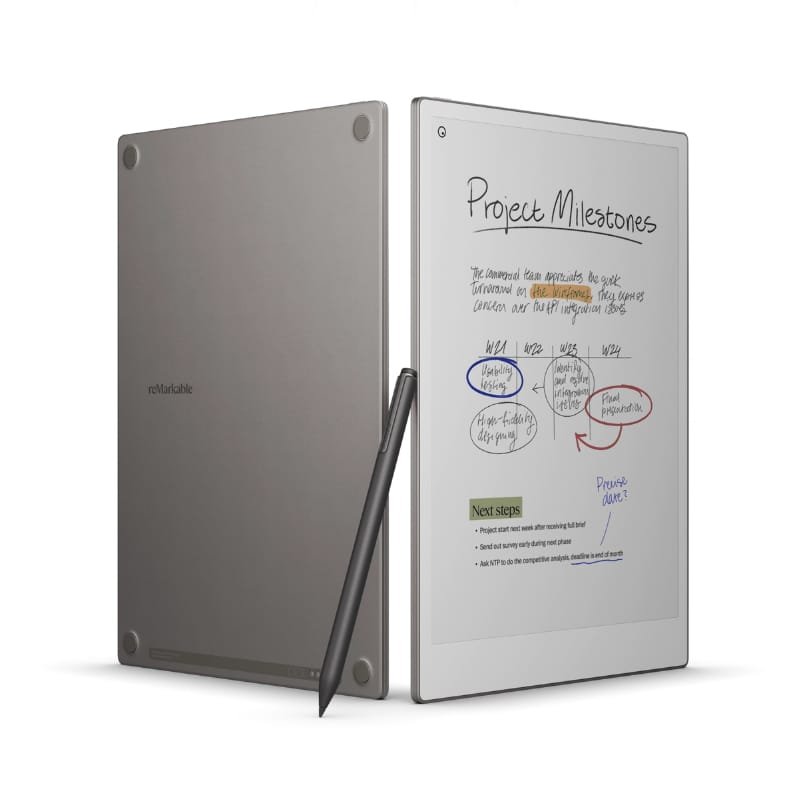
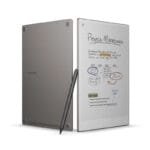
The reMarkable Paper Tablet Pro Best price in Kenya is Ksh 105,000.Shop for Remarkable Paper Tablet Pro in Kenya now at Mobihub Electronics.It is a premium digital notepad designed for users who want the tactile and distraction-free experience of writing on paper, combined with the organizational and syncing capabilities of a modern device. It builds upon the foundations of the original reMarkable devices with enhancements in performance, build quality, and ecosystem features. Here’s a detailed look at its major characteristics:
10.3” CANVAS Display: The tablet uses a second-generation CANVAS display, a monochrome digital paper technology optimized to mimic the texture and responsiveness of real paper. It supports 16 levels of grayscale, offering clarity for both handwriting and sketching.
Paper-like Surface Friction: The display has a textured surface that provides a natural resistance to the stylus tip, closely replicating the feel of writing with a pencil on paper.
Latency and Responsiveness: With near-instant response times—latency as low as ~21 milliseconds—the writing experience is fluid and uninterrupted, even during fast handwriting or intricate sketching.
Premium Materials: The Pro version features a robust and refined build, with a black anodized aluminum chassis. It offers a sleeker, more professional look compared to the earlier white-bodied models.
Ultra-Thin Form Factor: The device maintains a minimalist profile with a thickness of just around 4.7 mm, making it one of the thinnest tablets on the market.
Weight and Portability: Weighing approximately 400 grams, it is lightweight and easily portable, ideal for users on the go.
Improved Processing Power: The Pro version includes an upgraded processor and additional RAM, ensuring faster page transitions, quicker syncing, and smoother multitasking with multiple documents or layers.
Extended Storage: The Pro model typically offers larger internal storage, supporting tens of thousands of notes, PDFs, and eBooks. Storage is often in the range of 16 to 32 GB, with no support for expandable storage (no microSD).
Battery Life: The battery can last up to two weeks on a single charge with regular use, thanks to the low-power E Ink display and optimized operating system.
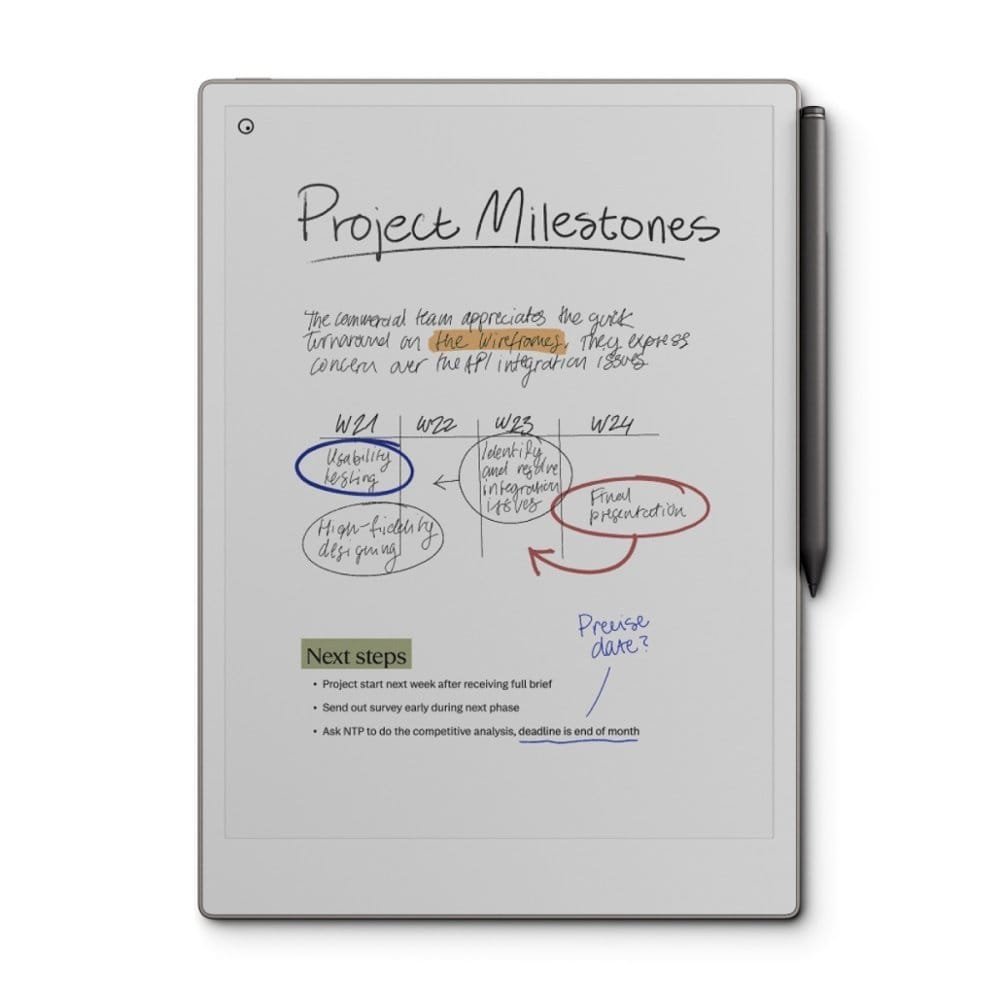
Variety of Writing Tools: The tablet supports multiple writing tools, including pencil, ballpoint pen, marker, highlighter, and calligraphy pens, each with adjustable stroke thickness and pressure sensitivity.
Notebook Templates: A broad selection of built-in templates is available—lined paper, grids, dotted, music sheets, storyboards, checklists, and more—catering to different professional and creative needs.
Layers and Erasing: Users can create and manage multiple layers within a note, useful for advanced sketching or annotations. Erasing can be done via selection, stroke removal, or full-page wipe.
Read and Annotate: Users can upload PDFs and ePub files, read them with clarity, and annotate directly with the stylus. The tablet is popular among academics, researchers, and legal professionals for document review.
Search and Navigation: While native search in handwritten text is limited, users can bookmark pages, jump between sections, and navigate long documents with ease.
Cloud Sync: reMarkable integrates with a proprietary cloud service that syncs notes and documents across devices, including iOS, Android, Windows, and macOS through dedicated apps.
Google Drive, Dropbox, and OneDrive: The tablet can connect to these cloud services, allowing for seamless file imports and exports.
Desktop and Mobile App Syncing: Real-time sync keeps documents updated across all linked platforms. Edits made on the tablet reflect automatically on the desktop and vice versa.
Password Protection: Users can set a device passcode, and secure cloud syncing ensures data is protected during transmission.
Accounts and Subscriptions: While core functionality is free, enhanced features such as handwriting-to-text conversion, unlimited cloud storage, and third-party integrations may be gated behind a Connect subscription.
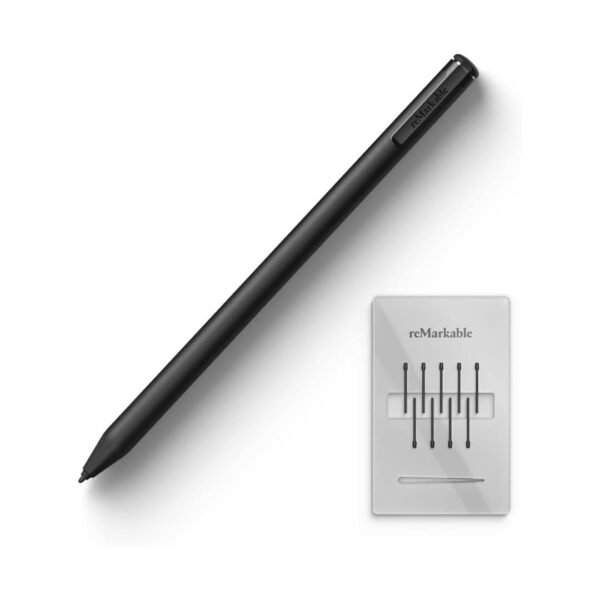
The Marker Pro is a premium stylus designed specifically for the reMarkable tablet line, providing a more refined and productive experience for professional users.
Premium Construction: The Marker Pro has a black aluminum body with a matte finish, providing a sophisticated look and a balanced, weighted feel for extended writing sessions.
No Charging Required: It does not contain a battery and therefore never needs charging or pairing. It operates on electromagnetic resonance (EMR) technology, drawing power from the screen.
4096 Levels of Pressure Sensitivity: The stylus responds to varying pressure levels, enabling detailed sketches, calligraphy, and dynamic pen strokes.
Tilt Detection: The Marker Pro supports tilt functionality, allowing users to shade and angle their strokes naturally—especially useful with pencil or brush tools.
High Accuracy: Its fine-point tip enables precise drawing and handwriting, suitable for architects, designers, and note-takers.
Top-End Eraser: The standout feature of the Marker Pro is the built-in eraser on the top end, similar to a traditional pencil. Users can flip the stylus and erase directly without switching tools or opening menus.
Natural Workflow: This erasing function improves productivity and fluidity, particularly during brainstorming, sketching, or when making quick corrections.
Swappable Nibs: The Marker Pro comes with replaceable tips (also called nibs), which wear down over time to maintain the paper-like feel. Each tip lasts weeks to months depending on usage intensity.
Friction Consistency: The replaceable tips are designed to retain consistent friction with the display, ensuring the writing experience does not degrade over time.
The reMarkable Paper Tablet Pro and Marker Pro represent a carefully engineered blend of analog writing sensation with modern digital flexibility. The tablet’s ultra-thin form, paper-like screen, distraction-free environment, and professional-grade PDF annotation tools make it especially suitable for writers, thinkers, researchers, and minimalists. Meanwhile, the Marker Pro enhances the writing experience with precise input, tilt support, and an intuitive eraser, making it a vital companion for those who demand high performance and tactile fidelity in their digital note-taking tools.
Only logged in customers who have purchased this product may leave a review.
No account yet?
Create an Account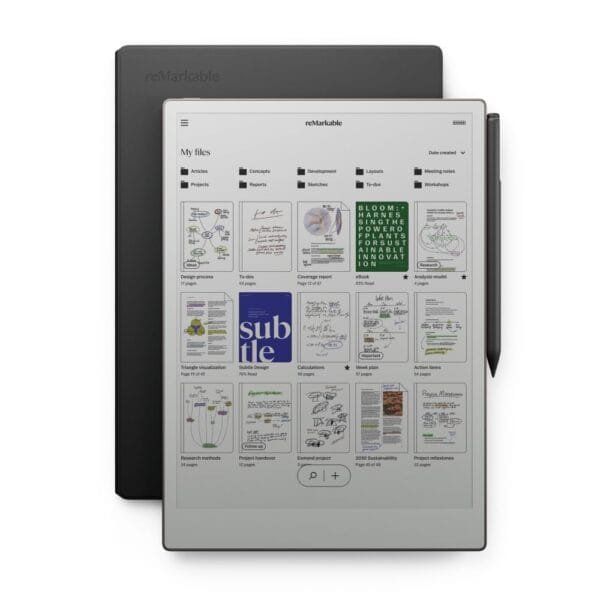






Reviews
Clear filtersThere are no reviews yet.