




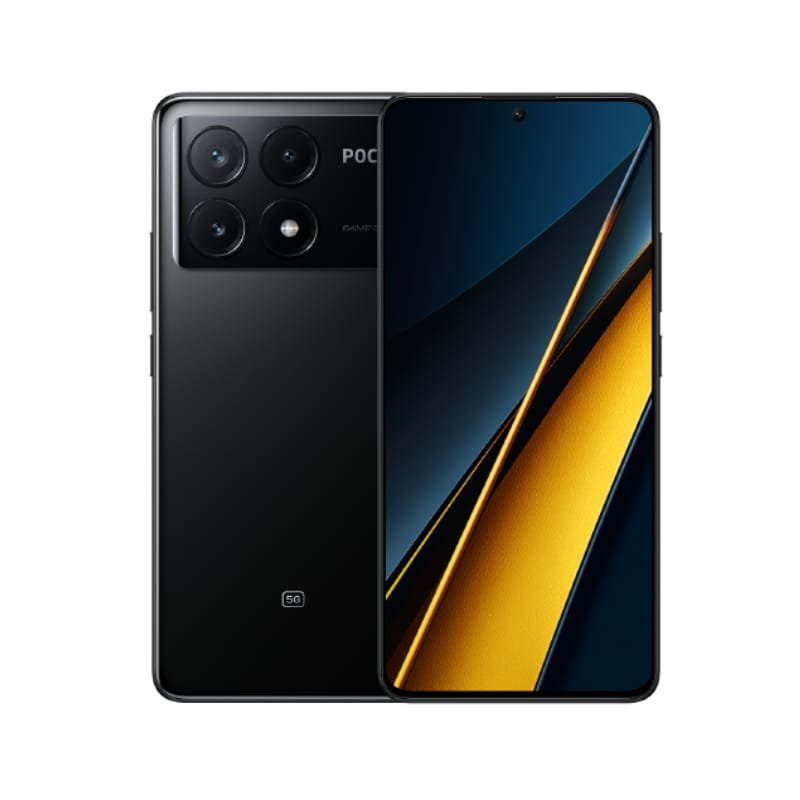
In Kenya, where reliable mobile connectivity is essential for everything from business to social interaction, a long-lasting phone battery is a must-have. Constantly searching for an outlet or carrying a power bank can be frustrating. This guide provides practical tips tailored for Kenyans to maximize your phone’s battery life and stay connected when you need it most, with insights from Mobihub Electronics.
Understanding Battery Drain:
Before diving into the tips, it’s crucial to understand what drains your battery. Common culprits include:
- Screen Brightness: The display is one of the biggest battery consumers.
- Cellular Data and Wi-Fi: Constant connection to networks consumes power.
- Background Apps: Apps running in the background, even when not actively used, drain battery.
- Location Services: GPS usage, especially continuous tracking, is a major battery drain.
- Push Notifications: Frequent notifications keep your phone active.
- Camera Usage: Taking photos and videos consumes significant power.
- Extreme Temperatures: Both hot and cold temperatures can affect battery performance.
Practical Tips for Extending Battery Life:
1. Optimize Screen Settings:
- Reduce Brightness: Lower your screen brightness to a comfortable level. Use automatic brightness if your phone offers it, but be aware it can sometimes make the screen brighter than necessary in certain conditions.
- Shorten Screen Timeout: Set your screen to turn off quickly when not in use. A shorter timeout significantly reduces battery drain.
- Use Dark Mode (if available): Dark mode reduces the power consumed by the display, especially on OLED screens.
- Adjust Display Resolution (if available): Some phones allow you to lower the display resolution to conserve battery.
2. Manage Network Connections:
- Turn Off Unused Connections: Disable Wi-Fi, Bluetooth, and cellular data when you don’t need them. For example, turn off Wi-Fi when you’re out and about and cellular data when you’re in a Wi-Fi zone.
- Limit Background Data: Restrict background data usage for apps you don’t use frequently. This prevents apps from constantly syncing and consuming battery.
- Airplane Mode: Use airplane mode when you’re in an area with poor signal or when you don’t need to be connected (e.g., during a flight).
3. Control App Usage:
- Close Unused Apps: Force-close apps you’re not actively using. Don’t just swipe them away from the recent apps list; actually close them.
- Identify Battery Hogs: Use your phone’s battery settings to identify apps that are consuming the most power. Consider limiting their usage or uninstalling them if you don’t need them.
- Update Apps: Keep your apps updated, as developers often release updates that include battery optimizations.
- Limit Push Notifications: Disable push notifications for apps that aren’t essential. Too many notifications can keep your phone awake and drain the battery.
4. Optimize Location Services:
- Use Location Services Sparingly: Only enable location services when you need them. Avoid continuous location tracking.
- Choose Battery-Saving Location Mode: If your phone offers different location modes, choose the “battery saving” or “low accuracy” mode when precise location isn’t required.
5. Manage Other Features:
- Minimize Camera Usage: Taking lots of photos and videos drains your battery quickly. Limit camera use when you’re trying to conserve power.
- Reduce Volume: Lowering the volume for calls, music, and videos can save battery.
- Disable Haptic Feedback: Vibrations consume battery. Turn off haptic feedback for keyboard presses and other interactions.
- Avoid Extreme Temperatures: Don’t leave your phone in direct sunlight or in a very cold environment. Extreme temperatures can damage the battery.
6. Battery Maintenance:
- Avoid Fully Draining the Battery: While modern lithium-ion batteries don’t require complete discharge, repeatedly draining the battery to zero can shorten its lifespan.
- Charge Regularly: It’s generally recommended to keep your battery between 20% and 80% for optimal health.
- Use Original Charger: Use the charger that came with your phone or a high-quality charger from a reputable brand. Using a cheap or incompatible charger can damage the battery.
7. Software Updates:
- Keep Your Phone Updated: Install software updates as they become available. These updates often include battery optimizations and bug fixes.
8. Consider Battery Replacement (if applicable):
- Check Battery Health: Many phones have a battery health feature that tells you the condition of your battery. If your battery is old or worn out, consider replacing it. Mobihub Electronics can advise you on battery replacement options.
Mobihub Electronics: Your Partner in Mobile Solutions
Mobihub Electronics understands the importance of reliable mobile devices. We offer a range of smartphones with excellent battery life, and our knowledgeable staff can provide advice on optimizing your phone’s performance. Visit our store or browse our online catalog for a wide selection of phones and accessories. We also offer genuine chargers and power banks to keep you powered up on the go.
Discover more from Mobihub Electronics Kenya
Subscribe to get the latest posts sent to your email.


